
Show the full right-click menu
When Microsoft released Windows 11, they decided to hide the full right-click menu in Windows File Explorer so that when you right-click to access menu options, you have to select 'Show more options':
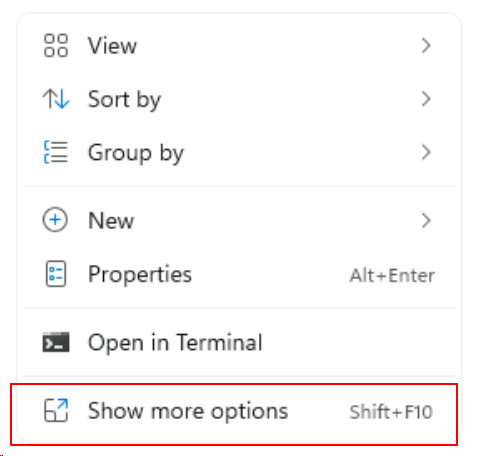
If you want it to show the full menu, you can update the Registry by executing the following command, either from a Command window or via PowerShell:
reg.exe add "HKCU\Software\Classes\CLSID\{86ca1aa0-34aa-4e8b-a509-50c905bae2a2}\InprocServer32" /f /ve