
Bulk Importer
The Bulk Importer provides a fast and easy way to import legacy emails.
 NOTE: You will need to have the CloudFiler Hub installed and be signed into it for this feature to work
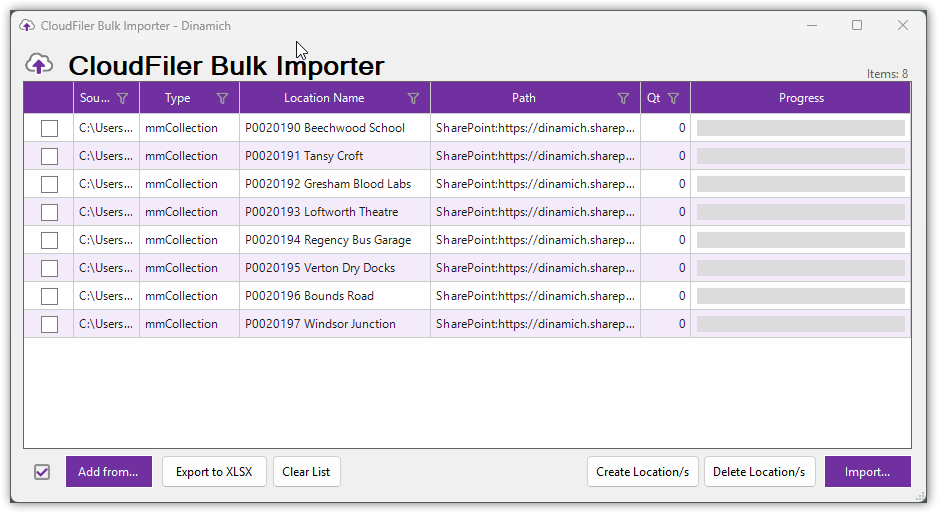
It can import emails that have been filed to SharePoint or Windows folders with tools like Ideagen's Mail Manager and OnePlaceMail, MessageSave, Newforma, and many other systems. You can also import via a simple spreadsheet.
It's very easy to use so we have provided this 7 min video to get you started: Bulk Importer Tutorial
Automating the creation of an import XLSX file
If you have emails saved to a Windows file system and need to generate an XLSX file from it, you can use our CreateImportXLSX App to generate it for you.
Troubleshooting
See the Bulk Importer troubleshooting section if you are having difficulties.