
Controlling search defaults
CloudFiler's search allows users to control which columns are displayed and whether the keyword search looks for text in those fields.
If you are a CloudFiler Admin, you can push a setting to all users.
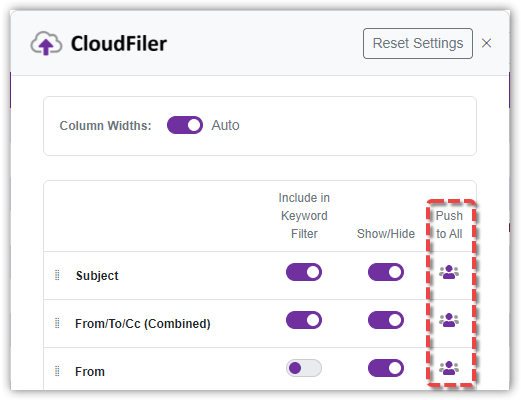
This will:
- Change that setting for all users
- Make it the default for new staff
- Update CloudFiler's internal default, so that if they press the Reset Settings button at the top of this form, it will restore to the setting you have assigned