Default Settings
The Default Settings tab is where you define the settings that will be assigned to new users. You may wish to allow users to subsequently change these or you may prefer to prevent users from changing one or more settings.
If you have staff who are already using CloudFiler and you want to force a setting to all users, switch the Apply for all users toggle on. If you leave it on, users will not be able to change the setting, if however you then switch it back to off, users can subsequently change the setting.

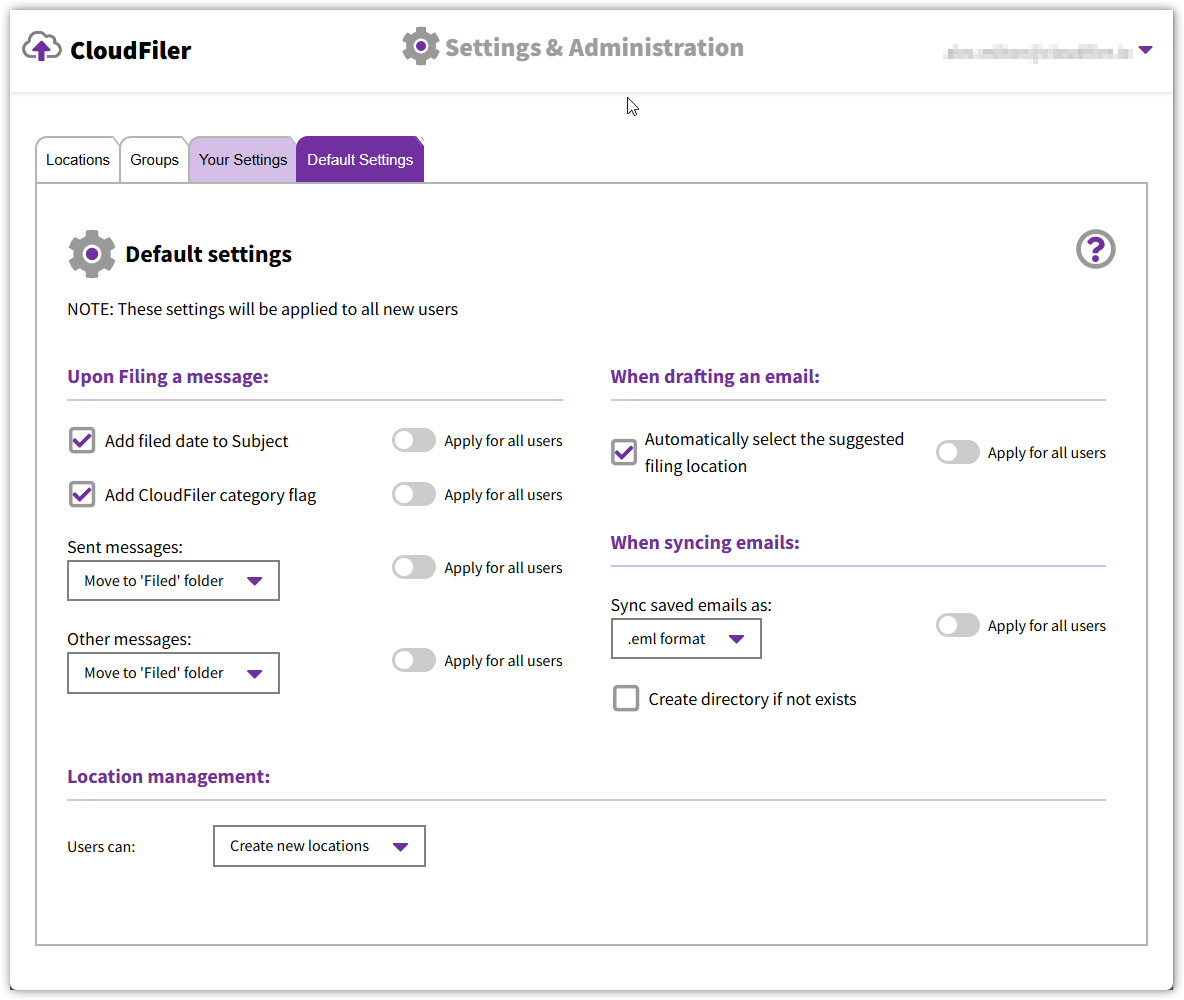
Upon Filing a message / When drafting an email
Details of these settings and what they do are here: Your PERSONAL settings
When syncing emails
In you are licensing either the CloudFiler Professional or Enterprise tiers, you will be able to sync filed emails to your chosen storage. By default, CloudFiler will write EML files but you can change it to MSG if you prefer.
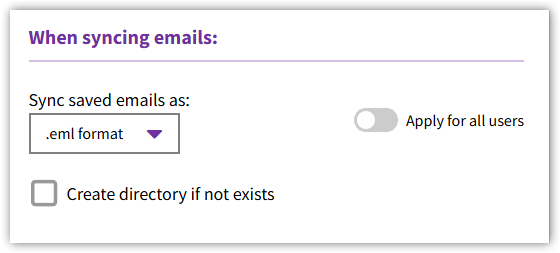

Whilst there is an option to create the directory if it does not exist, most business leave this unchecked because turning it on causes unwanted folders to be created when users make pathing errors.
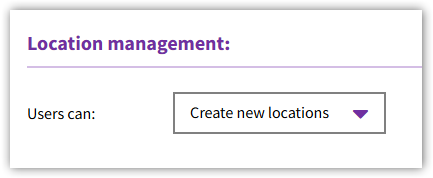
Location Management
If you PC users have the Hub installed and you would like all of them to be able to have the Add Location option on the Windows right-click menu, you can change the setting to allow them to Create locations.