
OOTI integration
The Location Manager connects directly to OOTI to automatically create locations with the same names in CloudFiler.
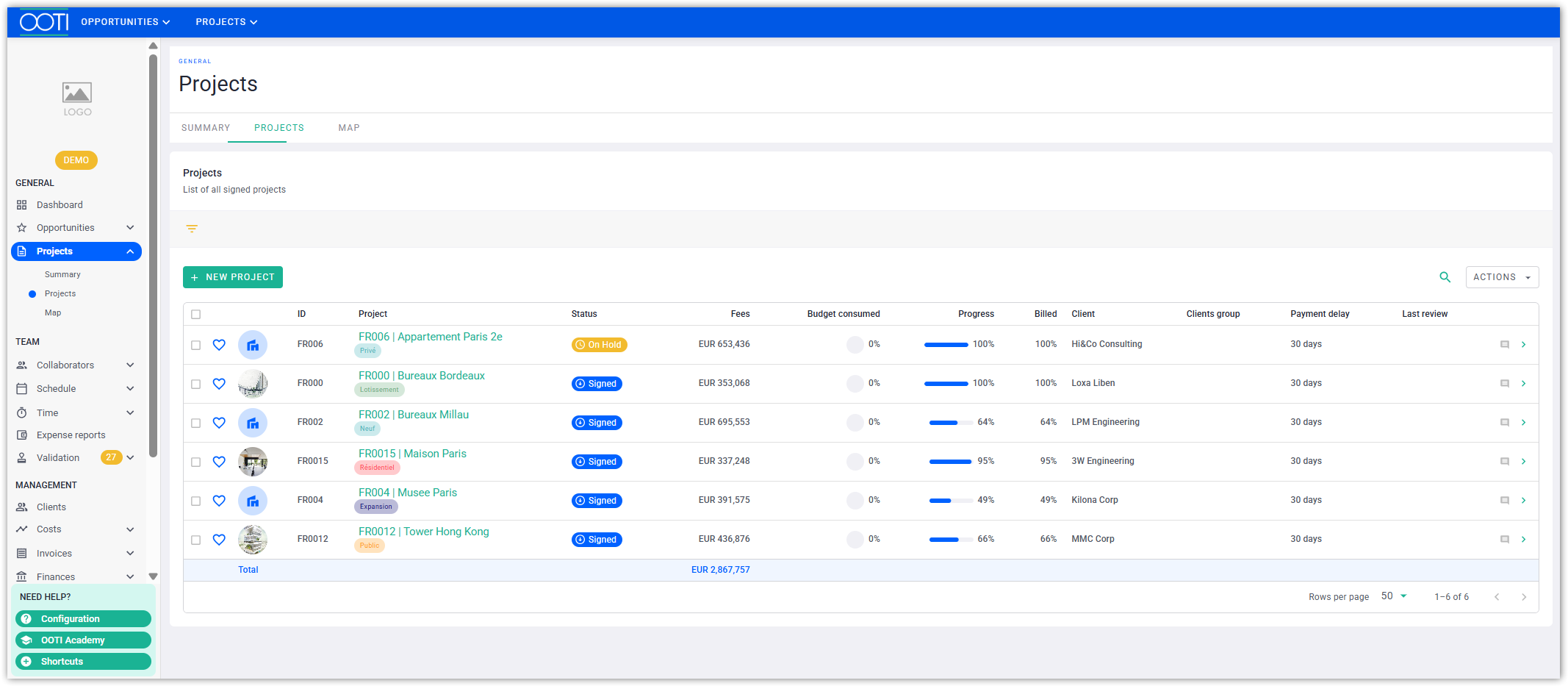
You may have Projects in OOTI, like this:
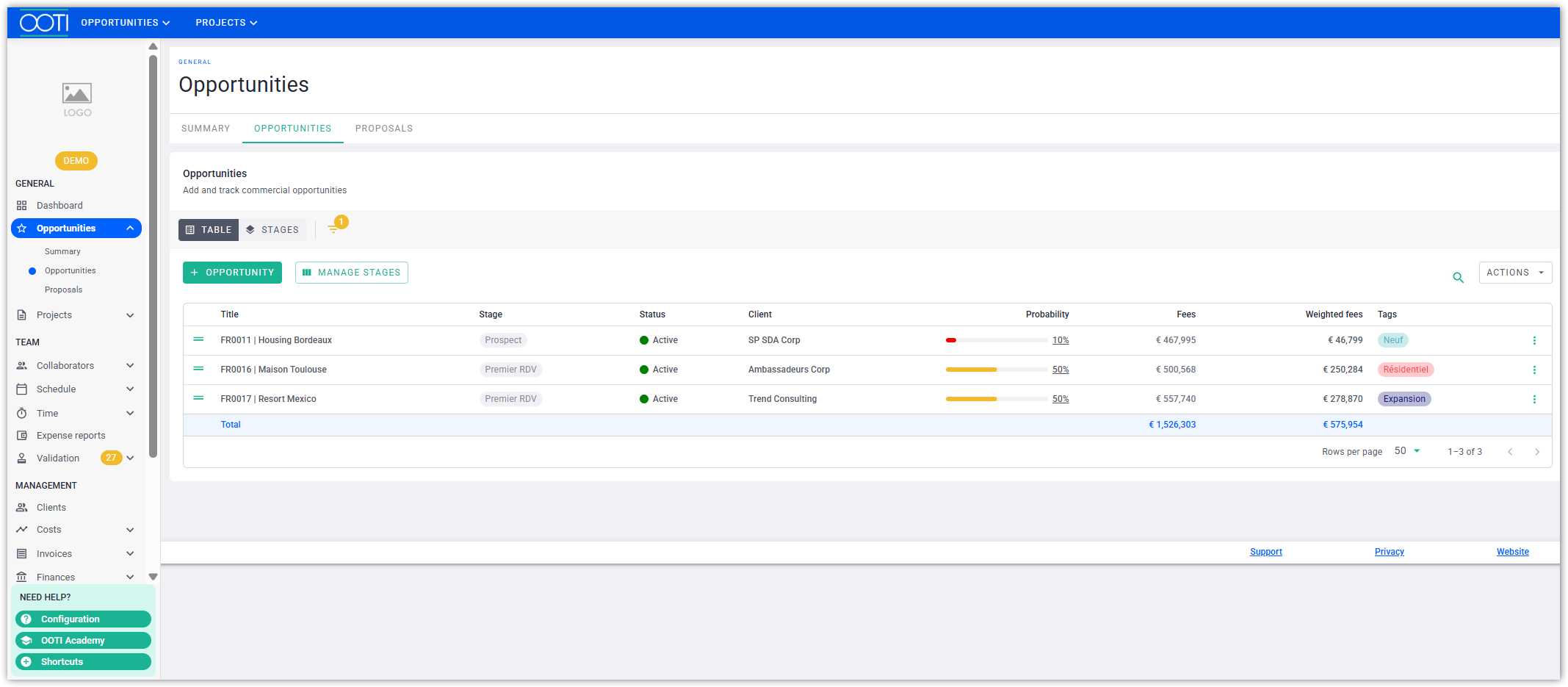
You may have Opportunities too:
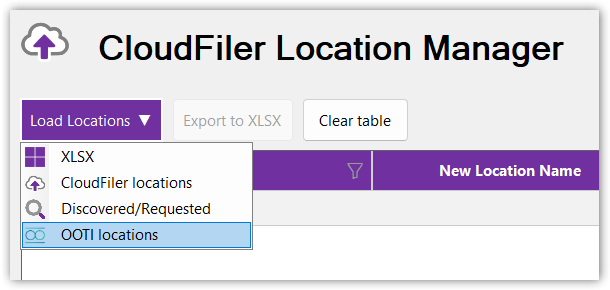
Select OOTI locations from the Load Locations menu:
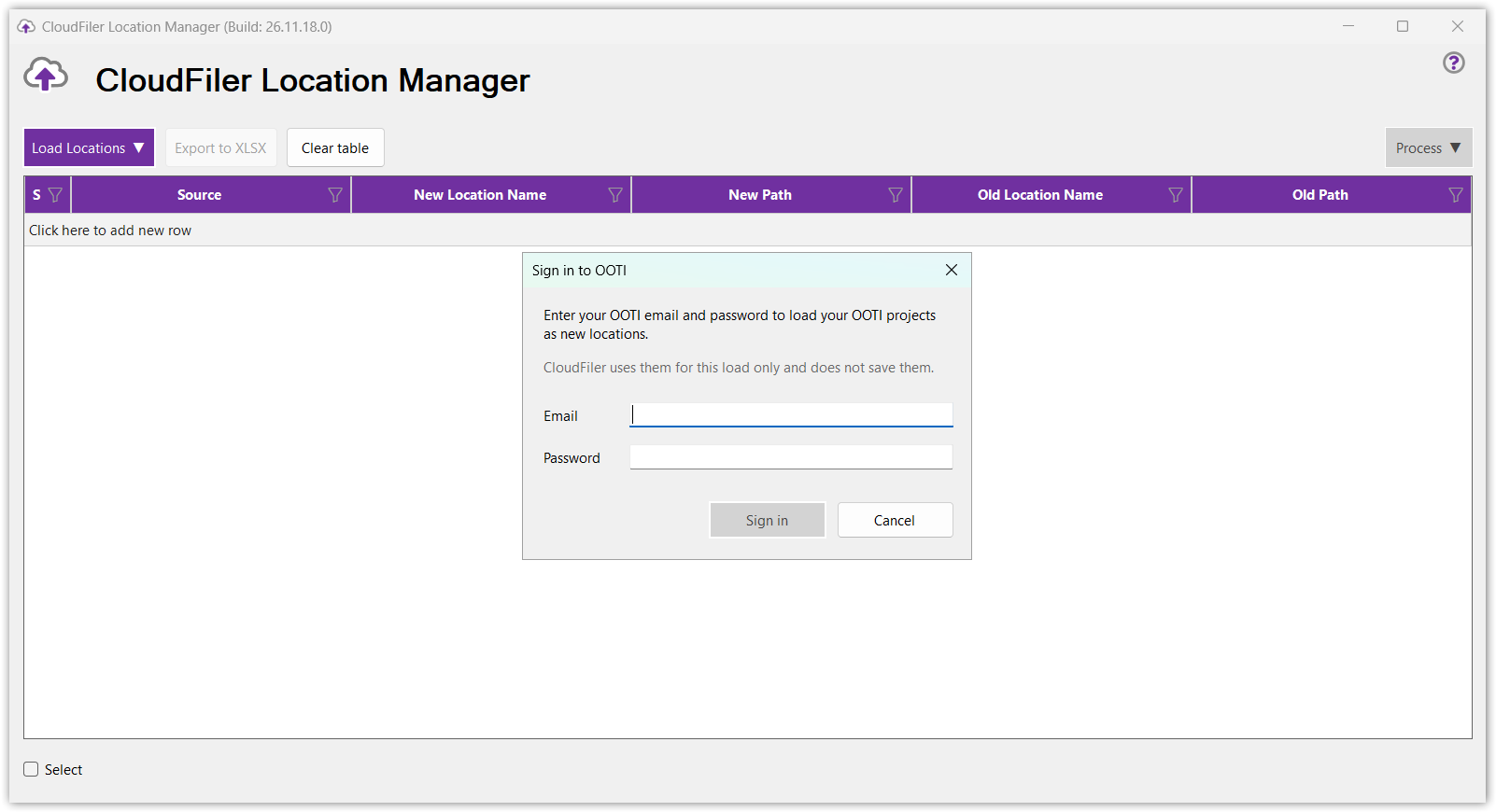
You will be asked to provide your OOTI credentials:
The Location Manager will then load all of the Projects and Opportunities but what you see depends upon your permissions in OOTI:
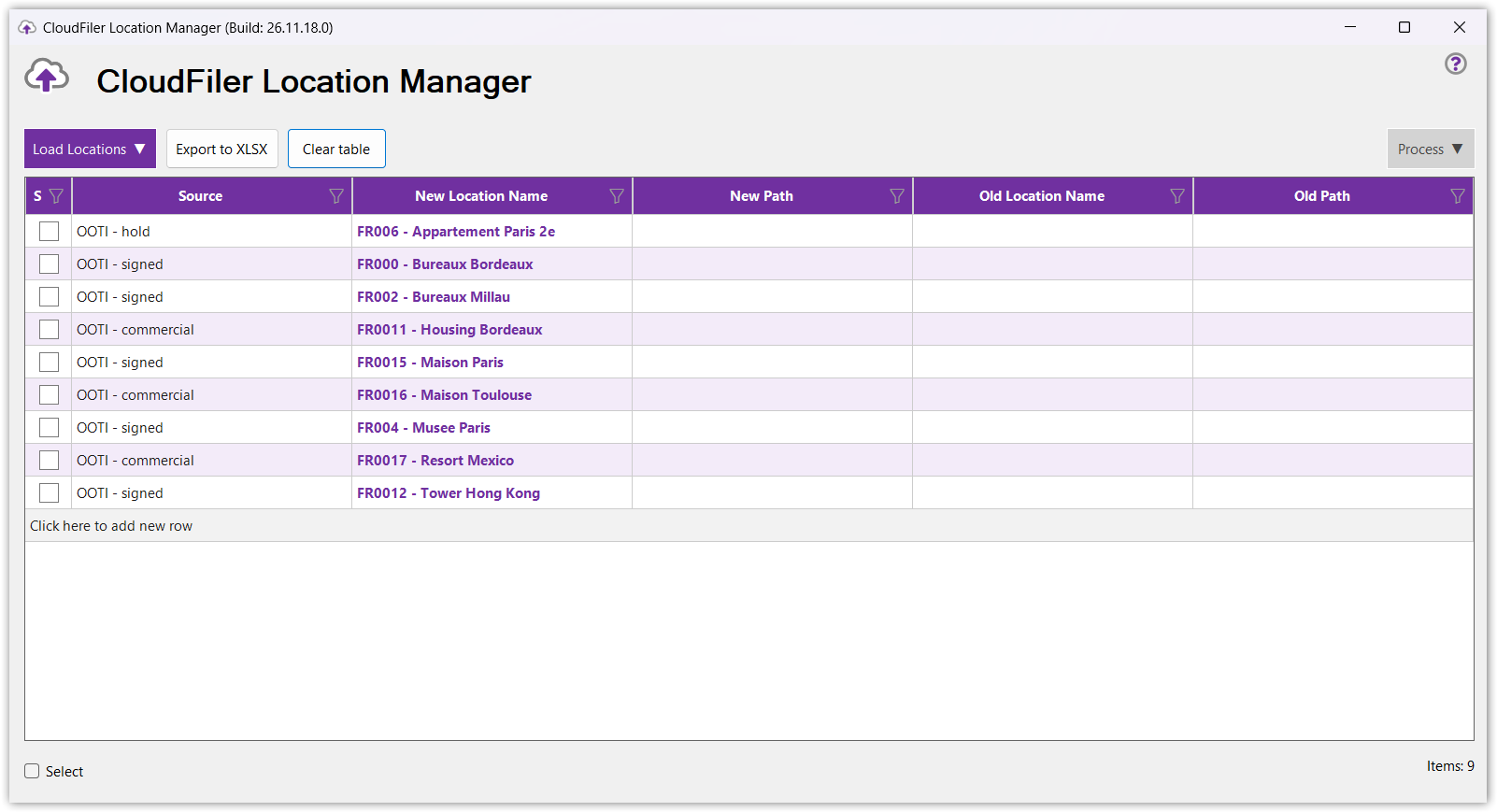
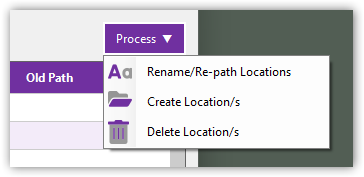
You can sort by the Source column and filter the columns too if needed, or just select them all via the checkbox in the bottom-left, and then pick Process and Create Location/s:
which will create them in CloudFiler.
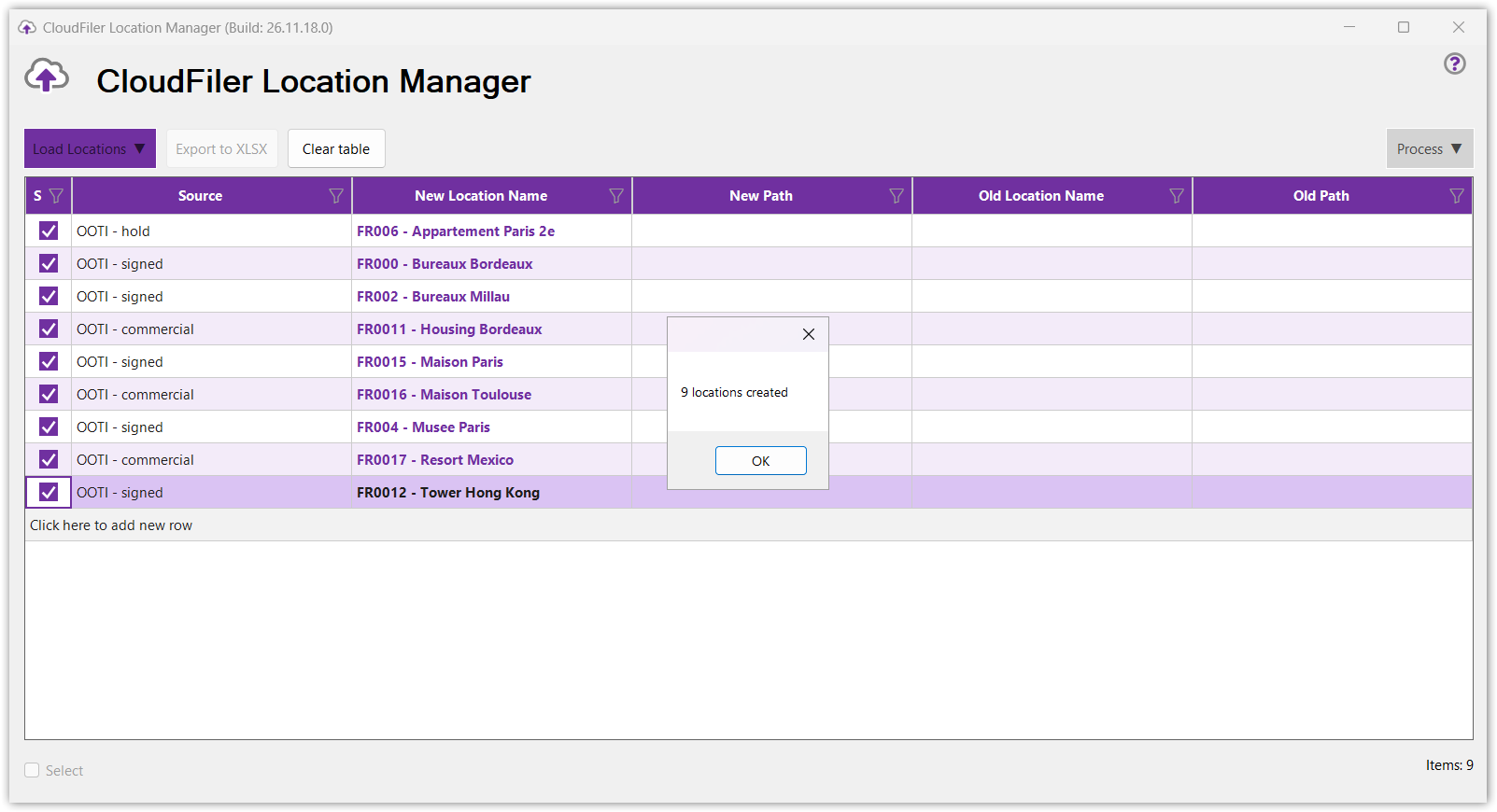
You could then use the features of the Location Manager to bulk assign paths to them.