
Your PERSONAL settings
CloudFiler has a number of settings that you can adjust to suit your preferences. These are accessed via the portal.
Accessing the Portal
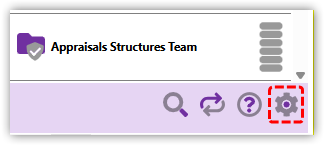
The settings icon takes you to your business's own portal where you can not only manage your own preferences, but also many aspects of the software, if your permissions allow.
Changes are automatically updated on all your devices.
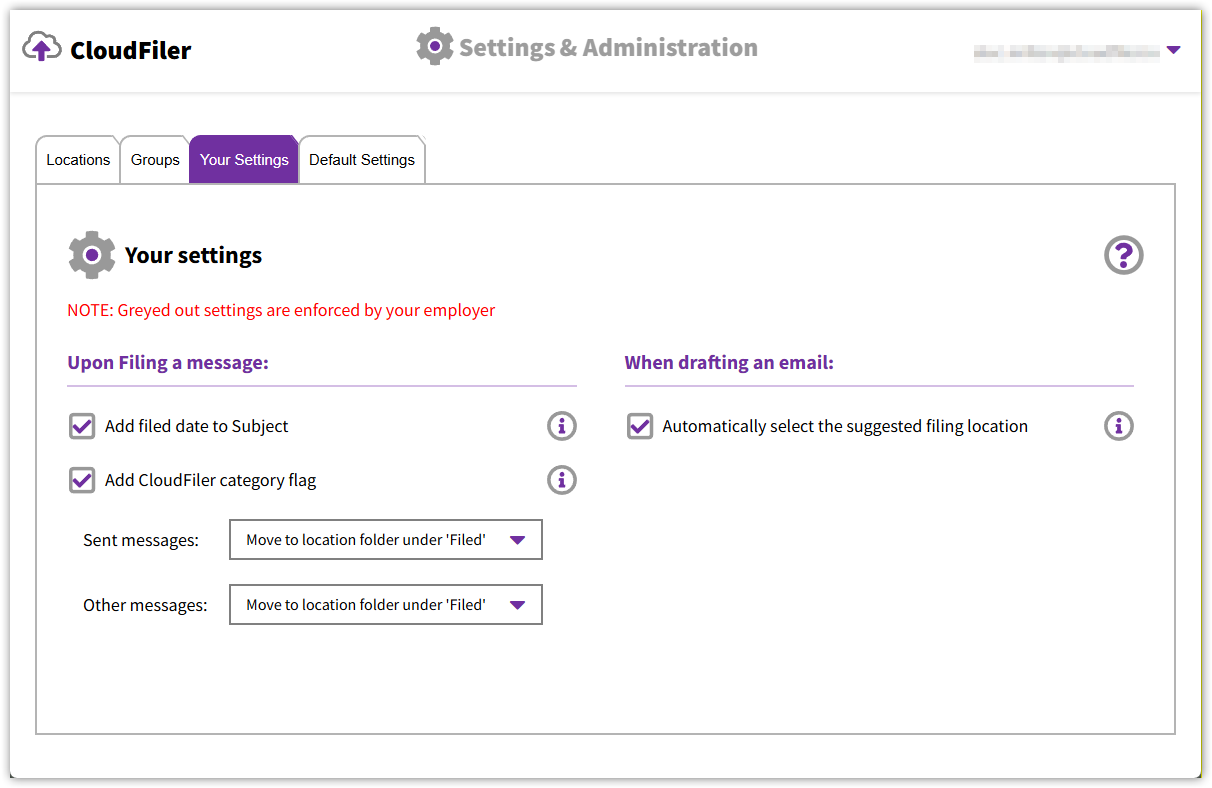
Your account administrator/s have the ability to enforce certain settings, so some may be locked so you will not be able to change them, whereas others may be available for you to adjust.
Upon Filing a message
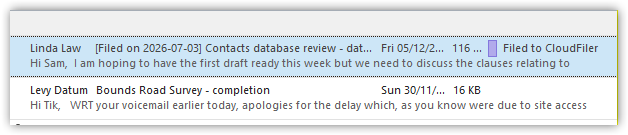
Once you have filed an email, the copy of it that's in your inbox can be moved to another folder or changed by CloudFiler to show that you have already filed it and when. In the example below, CloudFiler has added an Outlook category flag to show that it has been filed and has added the filed date to the subject line.
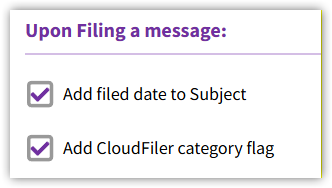
This is controlled by these two settings:
Moving it after filing
CloudFiler can move the email to another part of your inbox or leave it where it is. You have these options:
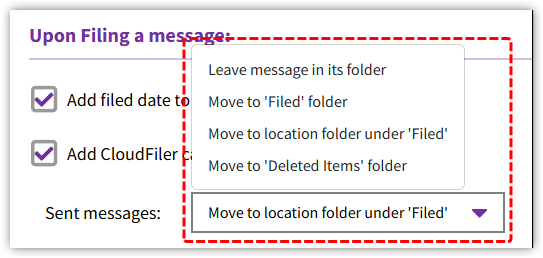
Leave message in its folder
The email will remain where it is but may gain the category flag and/or filed date if you have selected these.
Move to 'Filed' folder
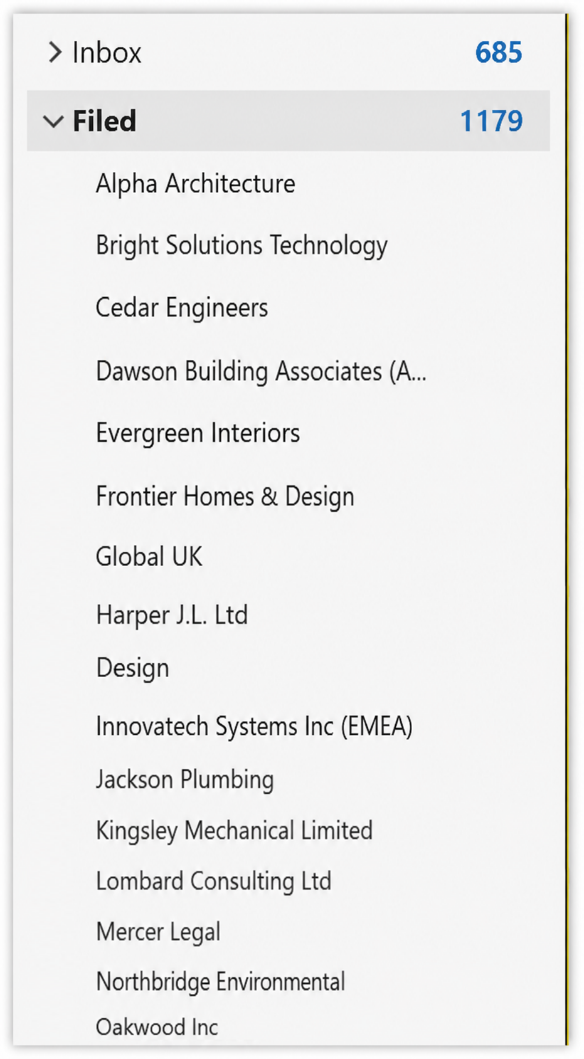
This will create a folder in your Outlook inbox name 'Filed' and will move filed emails into that folder.
Move to location folder under 'Filed'
This will create a folder in your Outlook inbox name 'Filed' and will create a sub-folder for each location that you file into and will move emails into those folders.
Move to 'Deleted Items' folder
This will move your filed emails into Outlook's 'Deleted Items' folder.
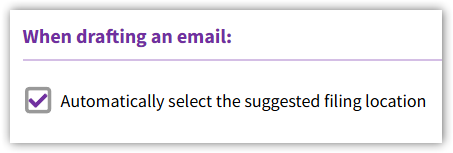
When drafting an email
Most users will want this option checked because this causes CloudFiler to automatically select the top suggested filing location.
Defaults settings for new users
If you have Admin rights in CloudFiler you can: define what these settings should be for new staff, override existing settings for current users, and prevent staff from changing them too: Default Settings