Installing the Hub silently
You can deploy the Hub so that it either prompts the user to sign into CloudFiler when they next log into their computer, or set it to be dormant.
Normal installation
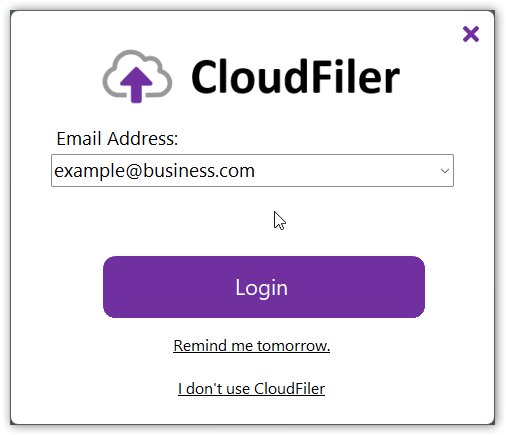
If you run the installer and accept the defaults, the Hub will be installed and will prompt you to sign in via Entra.
Dormant/Silent installation
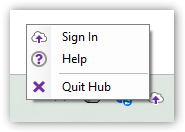
If you are deploying it to many users, perhaps via InTune, you can opt to make it dormant. It will then appear in the user's tray and when they are ready to sign in, they can right-click the tray icon and select Sign in:
To do this, you just need to add the DORMANT=1 command line option:
msiexec /i <name of msi> DORMANT=1
e.g. msiexec /i "CloudFiler Hub 26.3.6.msi" DORMANT=1
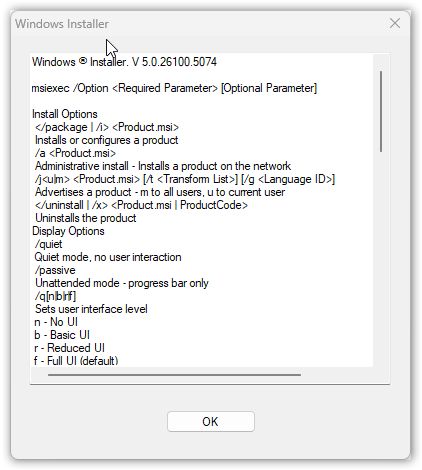
NOTE: if the MSI filename includes spaces and thus needs to be enclosed in quotes as is the case in these examples, be sure to use straight quote characters and not angled quotes otherwise you will get this error: