
Make sure the Addin in showing
For CloudFiler to be able to file your emails it needs to be visible. If it’s not showing, your emails won’t be filed.
Make sure it's active
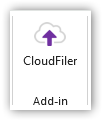
If it’s not already showing to the right of Outlook, click on the CloudFiler icon in the ribbon menu
Now pin it to ensure that it does not disappear
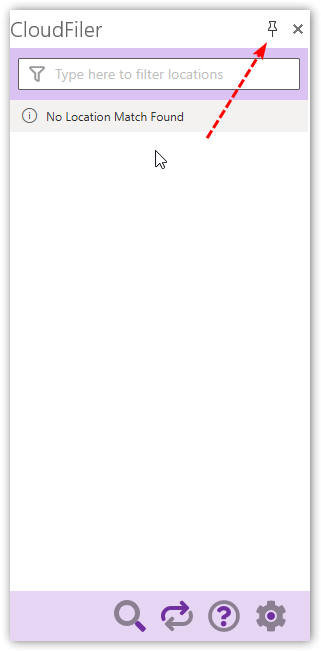
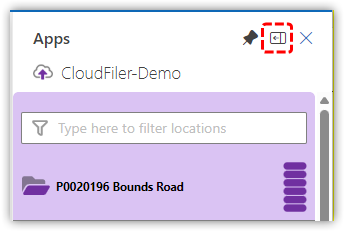
If you are using Classic Outlook, it will typically be wider than you will want it. You can re-size it to make it narrower by clicking on the thin bar between it and your list of emails, and then dragging it to the right. In New Outlook you can click this icon to toggle it between wide and narrow:
Next step: Ensuring there is a TESTING filing location