
Search via Pico
Now that you have filed some incoming and an outgoing email, we will check that they can be found via the search.
Our search tool has a name which is Pico, so we will refer to it by that name in this document.
- There are multiple ways to start Pico, you can:
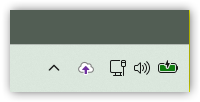
- Left-click the Hub icon in the Windows tray
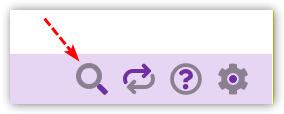
- Click on the magnifying glass at the foot of the Add-in
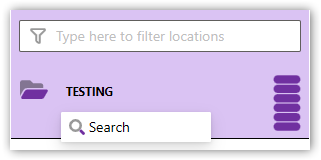
- Click on the TESTING location in the Add-in and click the Search menu that appears
- Launch Pico by your preferred method
CloudFiler has to spin up new services the first time you use it, so you may find that it does not immediately show all of the emails you have filed. If so, close Pico, wait a few more seconds and re-open it, or use CTRL + Refresh in the browser.
- Try single-clicking each email. The preview will appear. Check that it looks as you would expect.
Next step: Opening emails via Pico