What does it provide?
The Hub is a small App that provides multiple functions.
Authentication
When you sign into the Hub you establish a connection between it and Microsoft's Entra. The Hub then acts a single sign on (SSO) 'hub' for CloudFiler's other Apps so that you don't need to enter passwords to use them.
Quick access to key tools
The Hub is accessed by users via it's icon in the Windows tray.
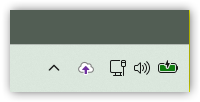
If user's left-click the icon, it launches the CloudFiler search.
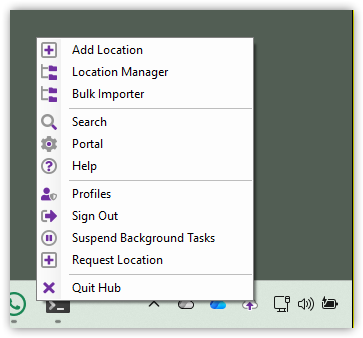
If they right-click it, it offers a range of tools and this will vary between users depending on their access permissions within CloudFiler, for example Admins will have access to the Bulk Importer and Location Manager:
Background Apps
The Hub also runs some Apps in the background for the user, which:
- Open emails directly into Outlook via the search. It will then delete the download email so that the user's downloads folder does not fill up with junk
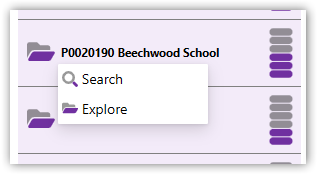
- Provide the Explore option in the Add-in
- Act as a sync node, sharing the task of syncing emails to their destination folders between multiple machines - where enabled
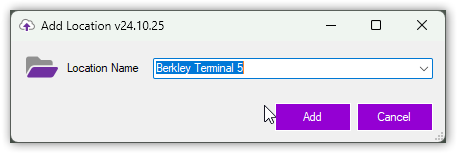
- Provide the Add Location right-click menu in Windows File Explorer
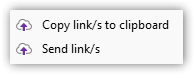
- Provides the Send links/s and Copy link/s to clipboard options in Windows File Explorer