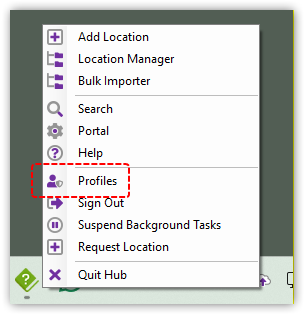
Accessing features via the Hub
The Hub provides quick access to many of CloudFiler's features.
Quick Access to Tools
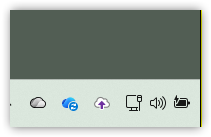
After installation, the Hub runs in the system tray.
- Left-click the icon to launch the CloudFiler's Pico Search Tool
- Right-click to open a menu showing available applications, based on the user's access permissions
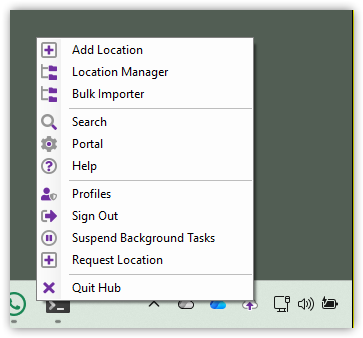
The options that you see on your menu may be different to your colleague's as it will depend on your level of permissions.
Launching the Pico search tool via the Hub
A convenient way to launch Pico is to single click the Hub's icon in the tray. The alternative is to launch it via the CloudFiler Add-in in Outlook.
Switching Profile
Most businesses will only have one CloudFiler tenant, but if you have more than one, you can switch tenants when required. Once you have changed tenant, you can then launch Apps like Add Location or the Location Manager and they will now be linked to the tenant you selected.