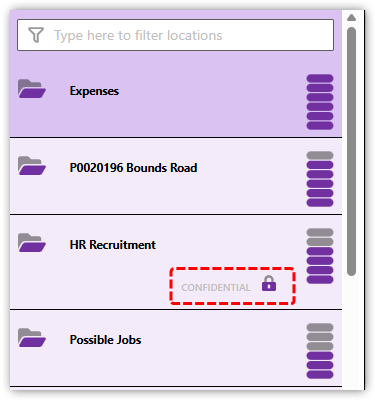
Limiting access to a location
If you have a confidential location that should only be visible to a select few people, you can easily control access using Groups.
Example: securing the Human Resources 'HR Recruitment' location
In the following example we have created a new location in CloudFiler for emails regarding staff recruitment and need to restrict access to just the Human Resources team and the Directors.
The location has been named HR Recruitment and we have yet to file any emails to it because it's currently accessible to all staff.
Make sure you have a 'Human Resources' group
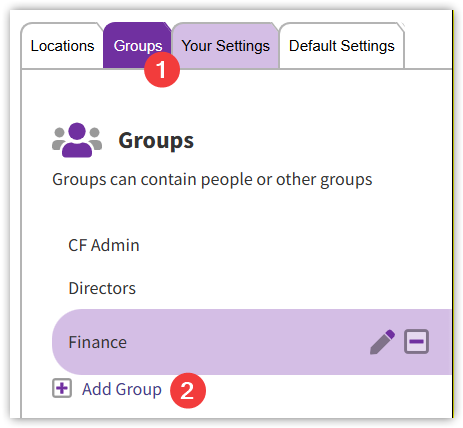
If you don't yet have a Group in CloudFiler for the Human Resources team, click on the Groups tab and then Add Group
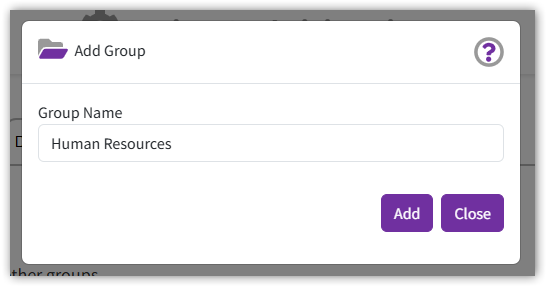
Give the Group a name and then pick the Add button.
Next select the Group from the list and pick Edit Group Members - you can use the filter at the top to locate the right people.
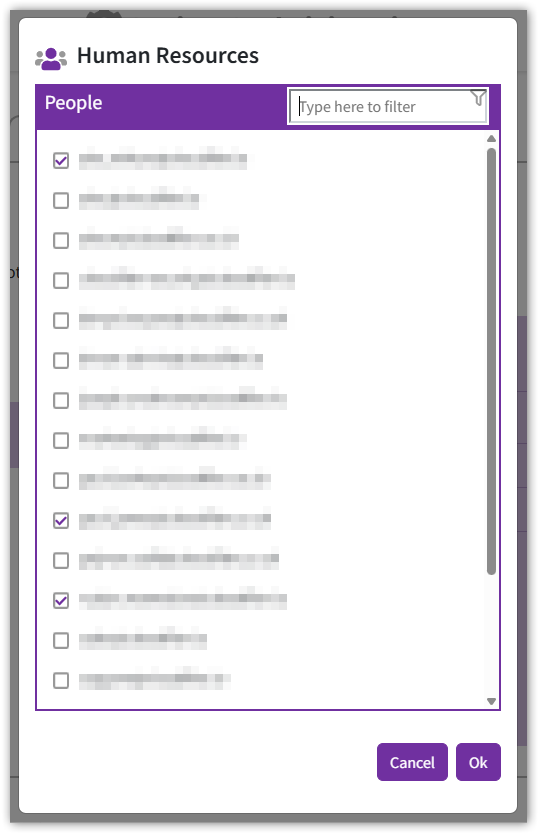
Select the people who are in the Human Resources team and then pick OK
You can now have a set of groups similar to this:
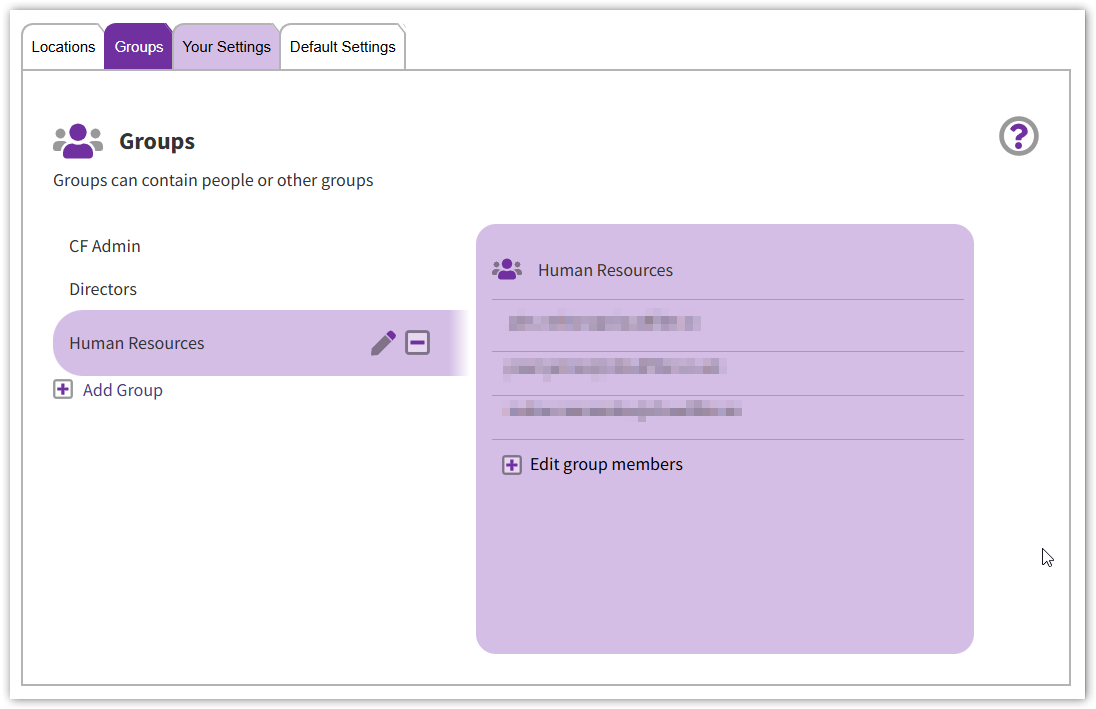
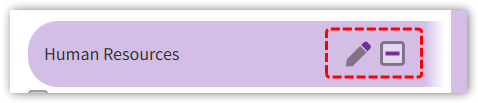
Note that you can subsequently edit the name of the group or delete it with these buttons:
Giving access to both the Human Resources team and Directors
We now have a Human Resources group and next need to grant both The Human Resources group and the Directors group the rights to both file and search the HR Recruitment location, but we want it to be invisible to all other users so that they will never even know that it exists.

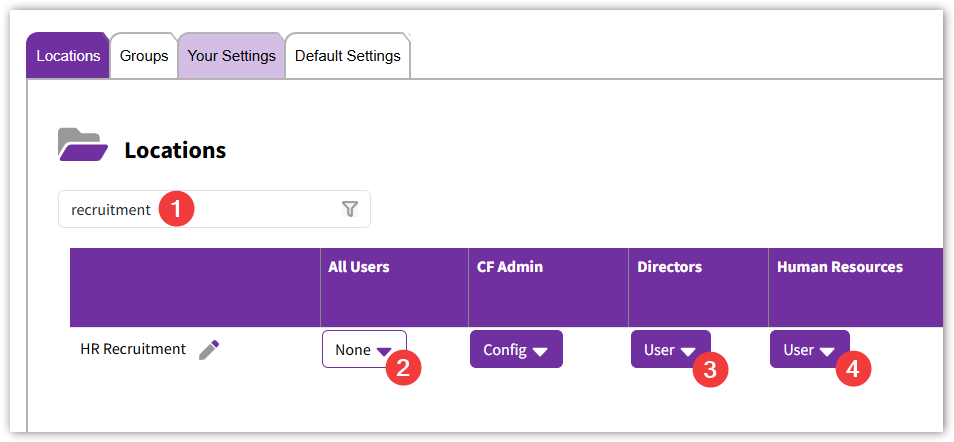
So click on the Locations tab and type recruitment in the filter box to filter down to our HR Recruitment location.
Then set All Users to None and Directors and Human Resources to User as shown here:
The changes are immediate, so if you now refresh the CloudFiler Add-in in Outlook, you will find that regular users won't be able to find the HR Recruitment location and the Directors and Human Resources team will see it, both when filing and searching, but they will also find that it's been marked as confidential so that they can see that the location is special and is only visible to a select few.